The card the hospital never gets right.
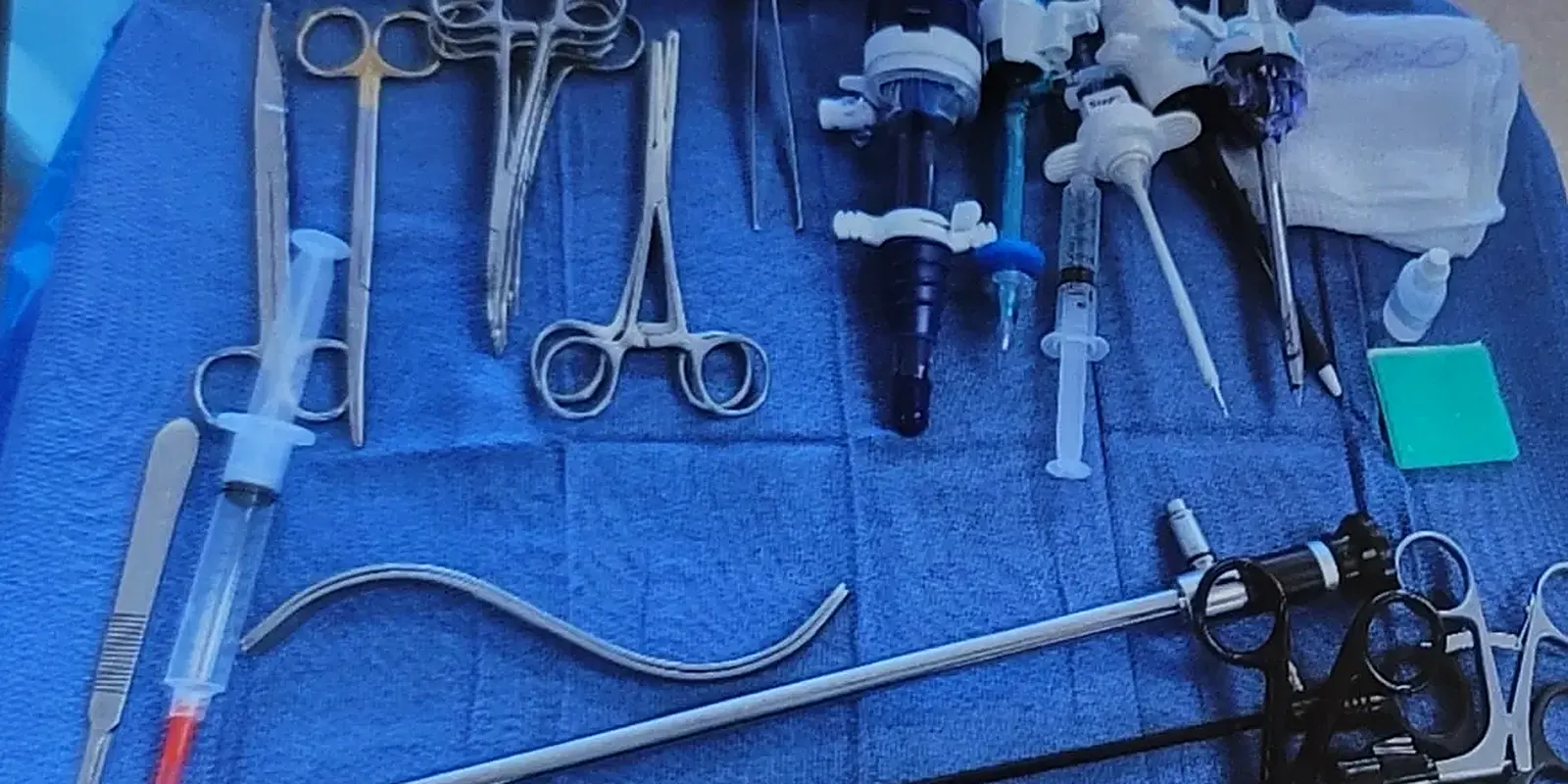
Pick the instruments from 3,342 photographed in real ORs, add the gloves, the sutures and the notes nobody writes down, and study the tray before the case.
Free. You'll sign in when you save; the card waits for you.
Three minutes, then it's yours.
No template to fill in. Name it, find the instruments, write what the surgeon actually wants.
Find them by name
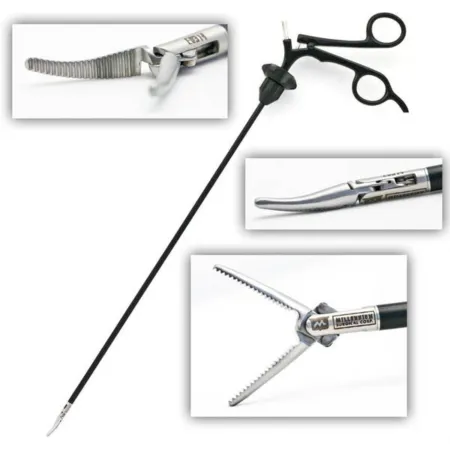
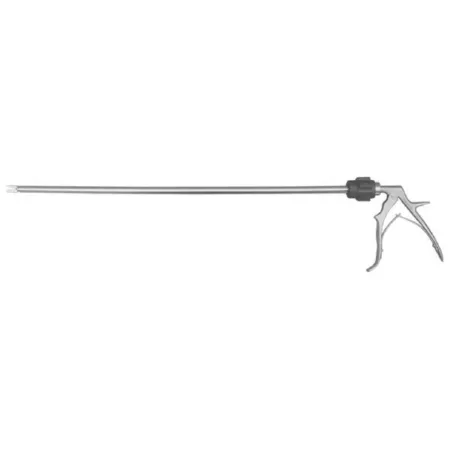
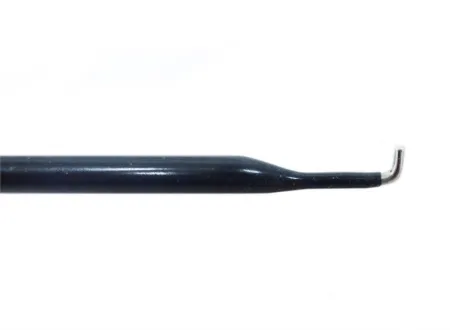
Every instrument comes with its photo and every name it goes by, so a Metz is a Metz whatever your hospital calls it.
Write what they want
Position, gloves, sutures and the notes nobody writes down. Add a photo of your back table.
Know the tray cold
Every instrument on the card becomes a flashcard, so you can name it before you hand it.
Shared when you want it.
Anyone with the link can open a card, and you can keep one to yourself instead.
On your phone in the room.
The same card on the website and in the CSTSetup app, on the same account.
One card per surgeon.
It's the job: the NBSTSA lists "create, maintain, and utilize preference cards for each surgeon" in the CST's work.
Free, and yours.
Building cards is free. Pro adds your own instruments with your own photos.
Start your first card.
Lap chole, total knee, your surgeon's C-section. It takes three minutes.