Surgical technology
Every lab skill assessment in the Core Curriculum for Surgical Technology, 7th edition, as a step-by-step check-off sheet.
- Getting the room ready
- Opening sterile items
- Surgical scrub
+ 28 more skills
Every skill a student is checked off on, written as steps an evaluator can watch. Read a checklist here for free, or download its PDF and print it for your lab.
Every lab skill assessment in the Core Curriculum for Surgical Technology, 7th edition, as a step-by-step check-off sheet.
+ 28 more skills
Every hands-on skill in HSPA's five CRCST areas as a step-by-step check-off sheet.
+ 29 more skills
Fig. 2 · A check-off in the program portal, on a lab tablet (example class)
When students are ready, skip the paper. The CSTSetup program portal has both checklists built in, and each class gets the one for its program: tap each step as the student does it, mark Passed or Needs work, and the next student who still needs the skill comes up.
Skills, cases or hours for the same students, in one portal, scored against your accreditor as they come in.
Surgical students log cases toward AST, NCCT or CC4SA. Sterile processing shifts count toward HSPA's 400 hours, area by area.
Shifts clocked on site, with the location, so a shift clocked from home stands out.
The preceptor scans the student's QR code with their phone camera and signs the cases or the shift they watched. No account, no app, no signature sheets.
Export every student's cases, hours and progress whenever you want it. The records are yours.
Moving from another tracker? Bring your students' past cases with you.
How the program portal worksEach seat includes CSTSetup Pro for the student, so the setups, instruments and exam practice behind these skills are in their pocket.
Setting up the back table and Mayo
+ 8 more steps on the checklist
Behind every skill, in the student's pocket:
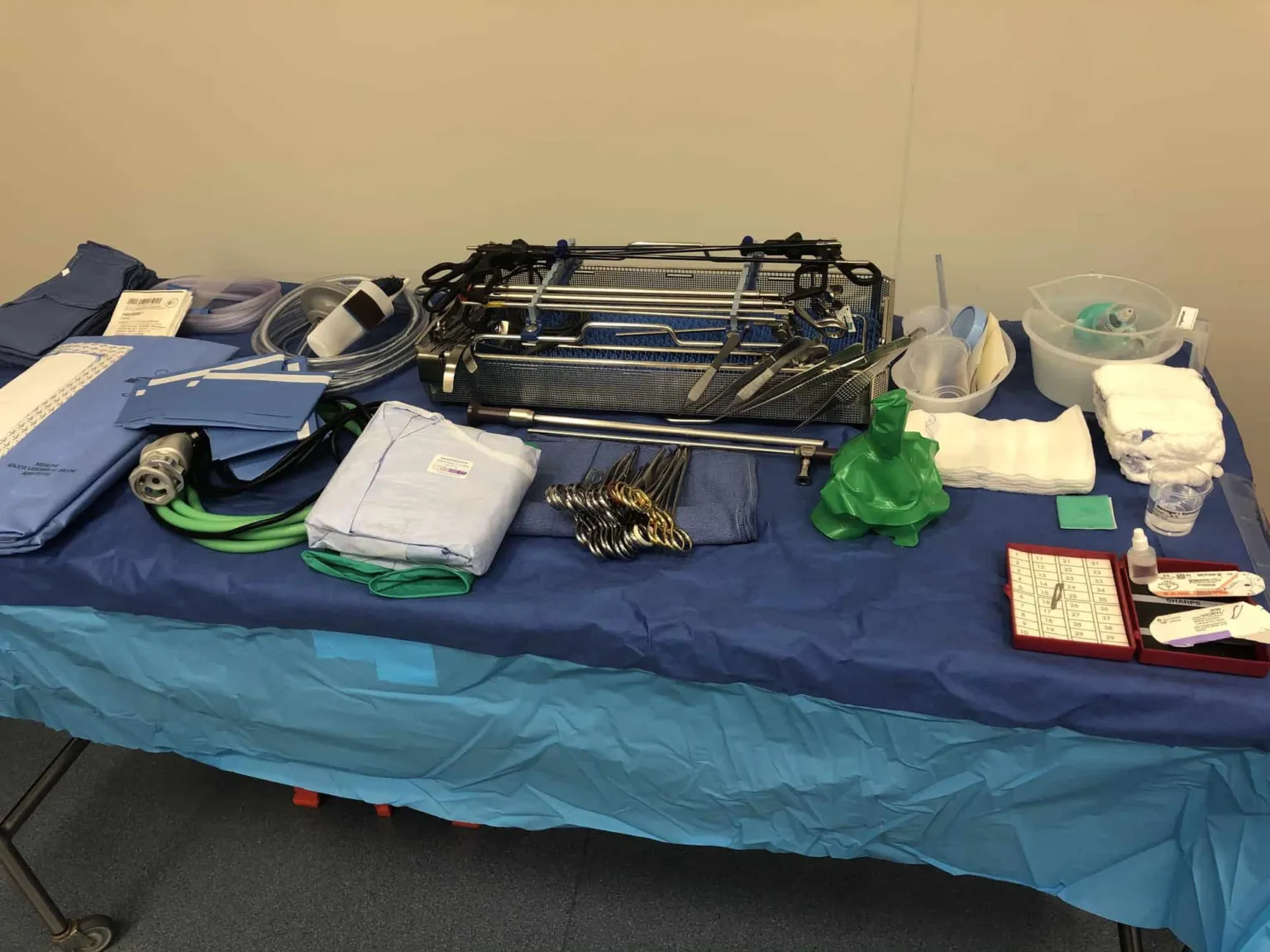 Laparoscopic Cholecystectomy · 36 instruments
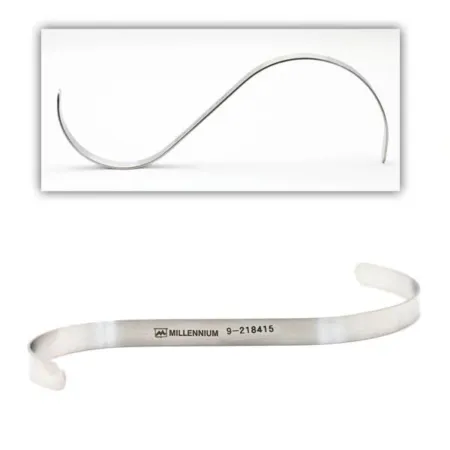 Hasson S Retractor
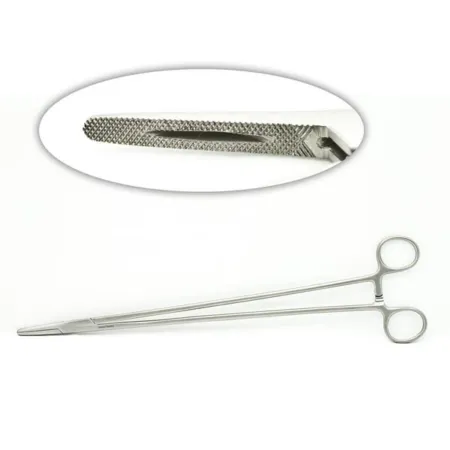 Mayo-Hegar Needle Holder
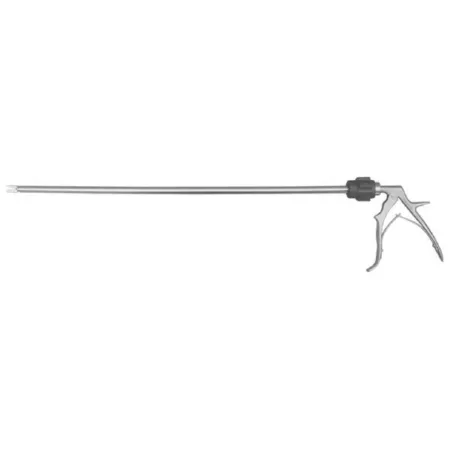 Laparoscopic Clip Appliers
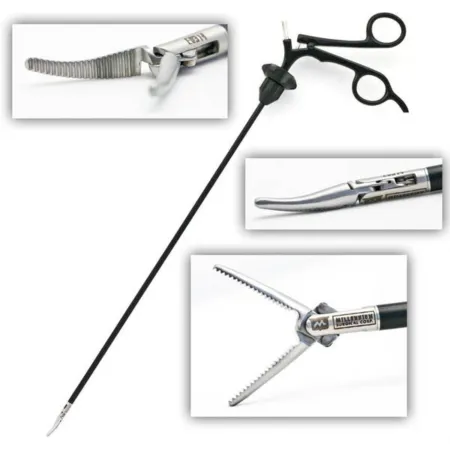 Laparoscopic Maryland Dissector Grasper
$10.39a student a month, on a year for a class of 5 or more. Pro for the student and the whole record for your program, in one seat.
See seat pricingThey are our own check-off sheets, written in our own words: the surgical technology one from the Lab Skill Assessments in the Core Curriculum for Surgical Technology, 7th edition, the sterile processing one for the hands-on work in HSPA's five CRCST areas. Every skill names what it covers, so you can line it up with your syllabus and your records.
Surgical technology programs use the surgical technology checklist, and sterile processing programs the sterile processing one. In the CSTSetup program portal each class gets the one that matches its accreditation standard, so a school that teaches both has both.
Yes. Print them, copy them and adapt them however your lab runs. If you use the CSTSetup program portal, you can change any step, add your own skills and turn off the ones you teach another way.
Both checklists, every skill on these pages and their PDFs are free. The program portal, where you check students off on a tablet and keep their records, is priced per student.
Every step is something an evaluator can watch happen, written in plain words with a short note on what good looks like. A skill is passed when every step is done.
If you run a program, we will set the portal up with you on a call: your accreditor, your classes and your instructors. Your students join by email.